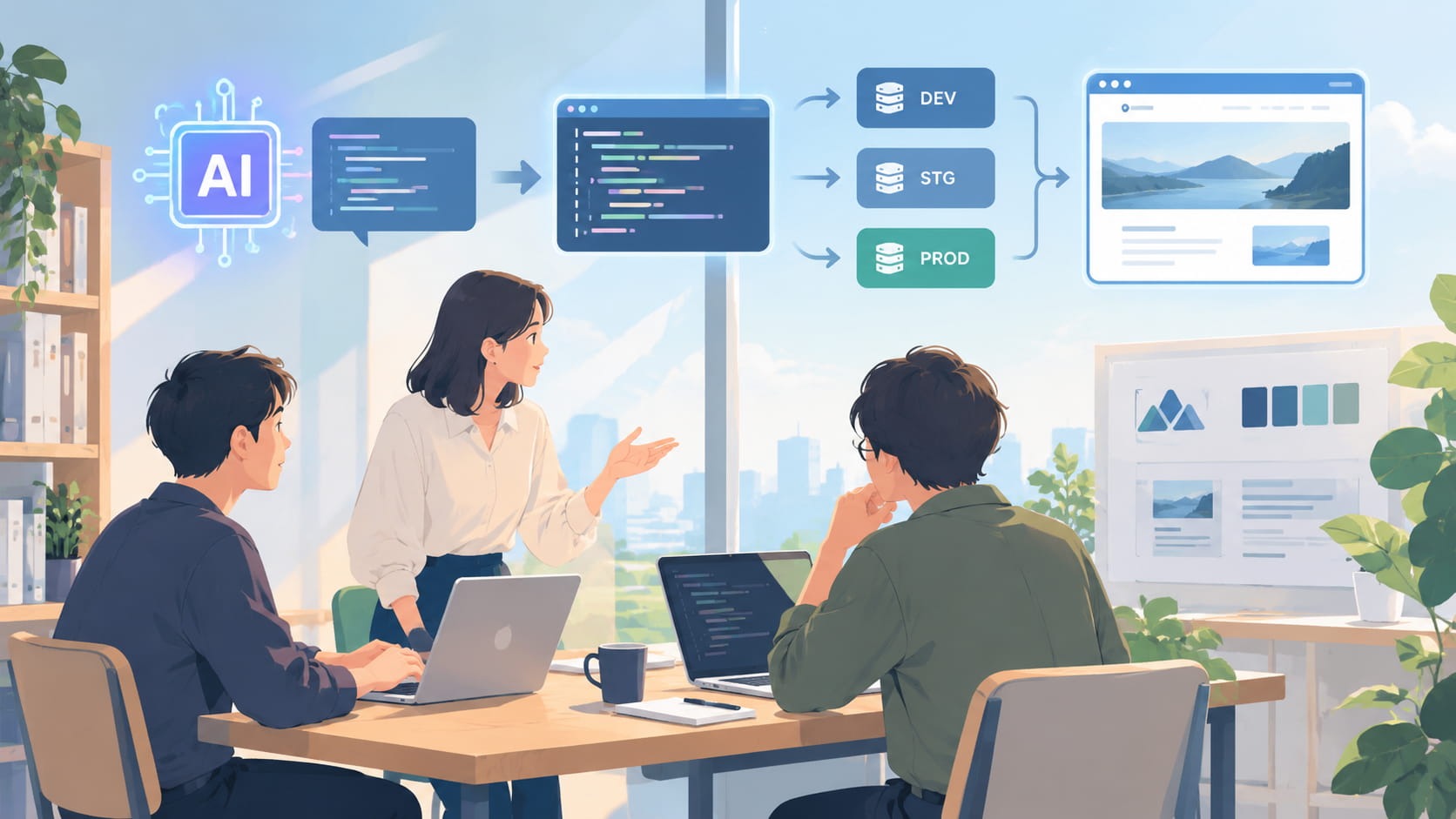
At Lionheart, we view branding as "the process of intentionally building and continuously creating an impression in order to become something special to a specific person." It's not enough to simply decide on a philosophy or logo; it only becomes meaningful when what you've decided is consistently and correctly reflected in touchpoints that are updated daily, such as a website.
To achieve this, we developed three WordPress plugins in-house and released them on the official WordPress website. WordPress is software that allows you to create and update websites from an administration panel, and it is used on many corporate websites. Plugins are programs that add functionality to WordPress.
These three plugins, in terms of functionality alone, could be achieved with existing plugins. However, we created them in-house because there was a problem with where to manage the settings that was difficult to solve with existing methods.
The three plugins that were released
- TOFUCreating contact forms, checking input content, and processing submissions.
- TONKATSUThis includes outputting titles and descriptions displayed in search results and when shared on social media, providing site information (structured data) for search engines and AI, and automatically redirecting to moved pages.
- TOBIUOManaging article types (custom post types) such as "Announcements" and "Case Studies," their classifications (taxonomies), and the URL format (permalink) for each page.
In all three cases, all settings are written in the program (theme) that determines the appearance and structure of the site's pages. WordPress does not store settings in its database, so there is no settings page in the administration panel.
This was happening with the method of configuring settings in the administration panel.
WordPress plugins typically allow you to enter settings from the administration screen and save those settings to the database. While convenient, this has sometimes caused problems in development environments.
One issue is that settings differ between the production and development environments. Even if the theme program is managed using a system (Git) that records and shares the history of changes, the plugin settings are stored in separate databases for each environment. Settings changed in the development environment might be forgotten to be reflected in the production environment, or settings changed directly in the production environment might not be reflected in the development environment. This resulted in the same program displaying or behaving differently depending on the environment.
Another issue is sharing settings when developing with multiple people. Even if someone changes a setting in the admin panel, that change doesn't reach the other members' work environments. It requires documenting the changes in a manual or communicating them verbally, which is time-consuming and prone to errors.
The cause in both cases is the same: while everyone on the team was using the same program, each person was manually entering the settings in the administration panel. For example, you might revise the description that appears when a product is shared on social media, but the old wording remains on the live website. This is a situation where what was intentionally decided during branding gradually becomes misaligned during operation.
The decision to write about the setting as the theme
As mentioned earlier, WordPress is designed with the assumption that settings are entered through the administration panel and saved to the database. Writing settings in the theme's program deviates from this design philosophy.
The reason we still focused on the theme is because it's now assumed that AI will write the programs. Until now, it was faster and more reliable to select items and input them through the administration screen than to write the program. Now, if you tell the AI which items to include in the form and how to display information for search engines, it can write the program, including the settings. It's now faster to have the AI write the program and then make corrections than to input each item one by one through the administration screen.
If the settings become part of the program, a history of changes will be recorded, other members can review the changes, and the same settings can be reproduced in any environment. The two problems mentioned in the previous section are resolved. Therefore, we decided to develop our own plugin that assumes AI will write the settings as well.
Although the settings page has been removed, the WordPress admin panel remains intact. We've added a screen to the admin panel, which is used by many websites and is familiar to many users, to allow users to check their settings. This screen allows you to verify how the settings written in your theme are reflected on each page, and will display warnings if there are problems such as pages not being found in forms or conflicting page redirection settings. Essentially, the admin panel has been transformed from a place to input settings to a place to verify that everything is working as intended.
Structured data helps to convey site information correctly.
The structured data output by TONKATSU includes company names, locations, service descriptions, and article information, written in a standardized format that is easy for search engines and AI to read. It does not appear on the page when viewed by humans, but is embedded in the page as machine-readable information.
Recently, more and more clients are concerned about how their company is presented in AI-generated search results. How a site is treated in search results and AI responses isn't determined solely by the text and design that humans read. Information intended for machines also needs to be consistent with the branding you've established. Managing structured data settings at the theme level makes it easier to maintain consistency even when adding pages or changing the structure.
Things managed by the program, things edited during operation.
We haven't programmed everything. The overall site structure, including article types, URL formats, and how information is presented to search engines, is fixed by the theme. On the other hand, content that needs to be updated daily, such as the title and description of each article, can be updated by the editor through input fields (custom fields) added to the article editing screen.
The distinction is that the structure is maintained by the program, while the content is updated through operation.
While I've focused on the advantages so far, this approach isn't superior to existing plugins in every situation. It's not suitable for situations where site-wide settings need frequent updates and you want to be able to change them freely from the admin panel, or for organizations without engineers on their operations team. Which method is right for you depends on your operational structure.
To maintain the branding decisions made through the website
The main change I made with the three plugins is where the settings are located. By moving them from the admin panel to the theme, a history of changes to the settings is now recorded, allowing me to reproduce the same state in any environment. I now use the admin panel only to verify that the settings are working as intended.
The branding decisions we made need to be maintained even after the site is launched, through the addition of pages, changes to the structure, and updates by multiple people. Our decision was to support this process through a system rather than relying solely on human attention.
LionheartBranding supportTherefore, we handle everything from formulating the philosophy and visuals to implementing them on touchpoints such as websites, and even managing them after launch. This plugin is one of the mechanisms that supports that implementation and management.
The plugins introduced in this article are continuously being improved based on our experience using them in client projects, and are available on the official WordPress website.